← Back to journal
Where AI Actually Helps a Small Product
Start with a repeated task, define what a useful answer looks like, and keep people in control.
An AI feature earns its place when it makes a specific task easier. For a small product, the useful starting point is often a narrow piece of work: turn a long message into a short draft, suggest a category, or help someone find the right paragraph in a document. A general-purpose assistant can wait.
Consider a small service business reviewing incoming project enquiries. Each message contains a different mixture of requirements, background, and questions. A useful first feature might prepare a three-line summary for the person handling the enquiry. The person still reads the original, decides what matters, and sends the reply.
Find the repeated decision
Write the existing workflow in ordinary language before choosing a model. Who supplies the input? What does someone do with it? Where do they spend time rereading, sorting, or rewriting? What would happen if a suggestion were wrong?
For the enquiry example, the task could be: “Draft a short summary of the requested product, the stated deadline, and the questions we still need to ask.” That is more testable than “make our contact form intelligent.”
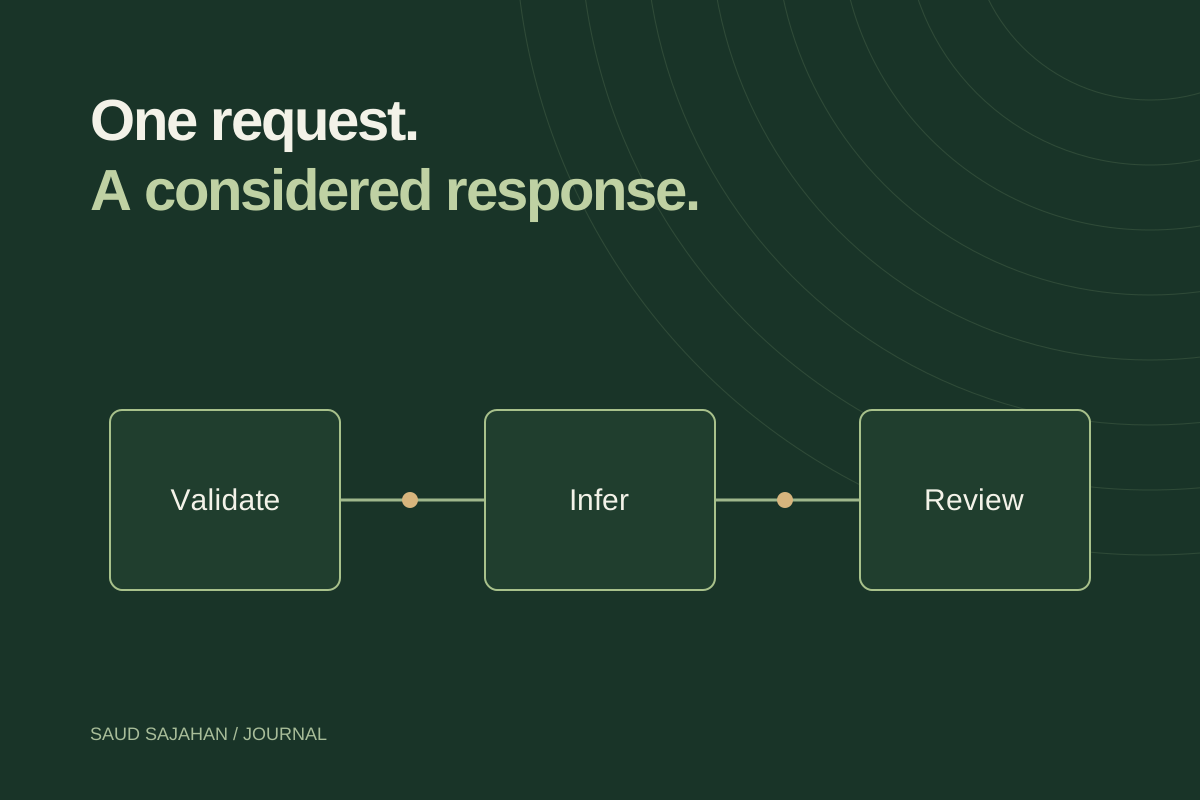
Keep deterministic work in ordinary code. Checking that an email field is present, calculating a total, or enforcing a permission does not need a language model. A model can suggest a category; the application should still validate that the category exists.
Choose an output someone can check
The first output should be small enough to review alongside its source. A summary next to the original message is easier to check than an automated decision buried in another system.
Use a format that makes uncertainty visible:
- Requested product: a booking website.
- Deadline: not provided.
- Follow-up: ask whether availability comes from an existing calendar.
These are illustrative fields, not a claim that a model will always extract them correctly. Missing information should remain missing. The interface should not turn a plausible completion into a confirmed fact.
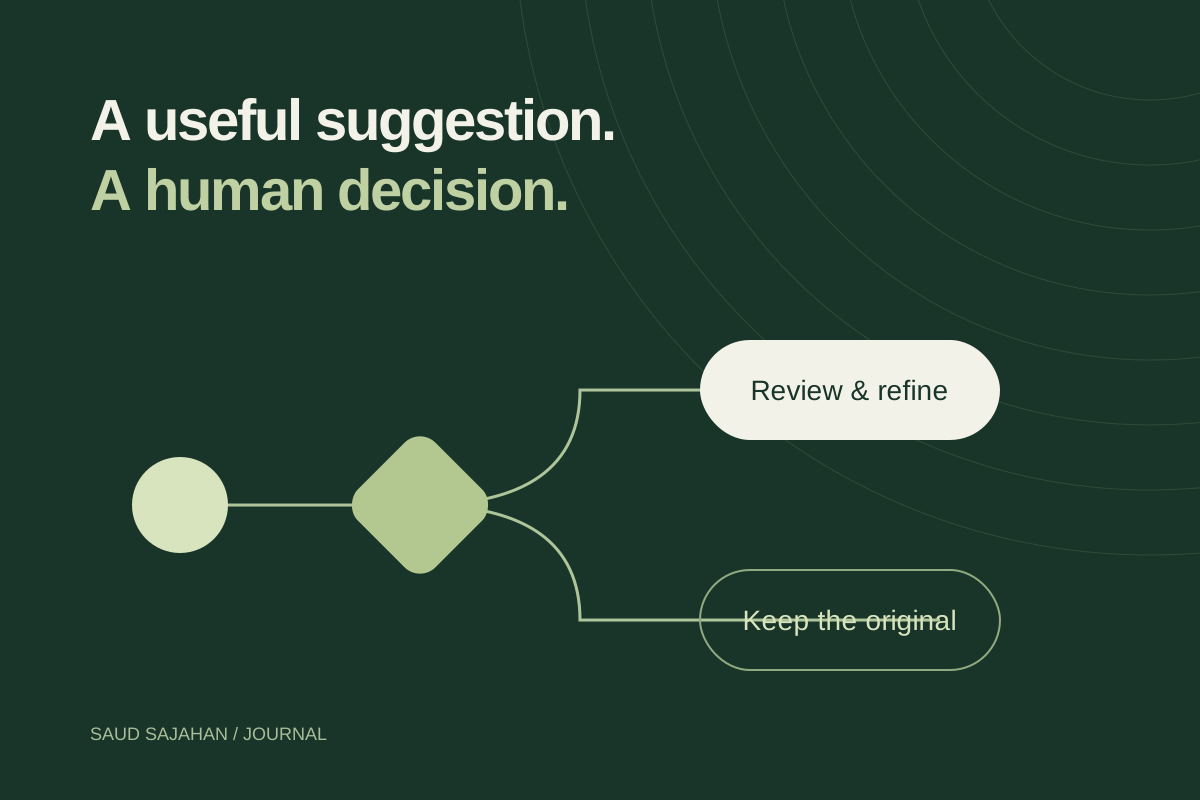
Give the reviewer an edit action and a clear way to dismiss the suggestion. Saving an edited draft should not silently send a message or change an account.
Make a small evaluation set
Collect a representative set of permitted or synthetic inputs before building a polished interface. Include a short enquiry, a long one, an ambiguous request, an irrelevant message, and a message that asks the model to ignore its instructions.
For each input, write down the information a useful answer must preserve and anything it must not invent. Review outputs for factual accuracy, missing information, readability, and effort needed to correct them. Measure response time too: a good draft that interrupts a quick workflow may not improve the experience.
Start with a simple baseline. Compare the AI summary with a normal form that asks three direct questions. Sometimes clearer input design solves the problem more effectively than additional processing.
Design the failure path early
A working prototype needs a loading state, a timeout, a retry action, and a route that works without AI. Preserve the person’s input when a request fails. If an answer is incomplete, keep the original material visible instead of replacing it.
This is also where interaction validation matters: try an empty result, unusually long text, a narrow screen, and keyboard-only use before declaring the feature finished. Figma’s UX validation guide describes this kind of stress-testing across states and realistic content.
Release the smallest useful capability
An internal drafting tool is a good place to learn. Review corrected outputs, record failure categories, and decide whether the feature improves the task enough to keep. Avoid storing sensitive message contents in general-purpose logs; record operational events separately from customer material.
Broaden the feature only when you can explain which new task it will support and how you will judge the result. Adding tool use or automatic actions changes the consequence of a mistake and deserves a separate review.
The practical takeaway: define the task, keep the answer inspectable, compare it with a simpler baseline, and preserve a human decision point. Those choices matter before the animation around the chat bubble.